
Contact types sort your contacts into groups, like suppliers and subcontractors, so you can find the right one quickly. Each contact has one type, and you manage the list of types on the Contact Types page (admin access required).
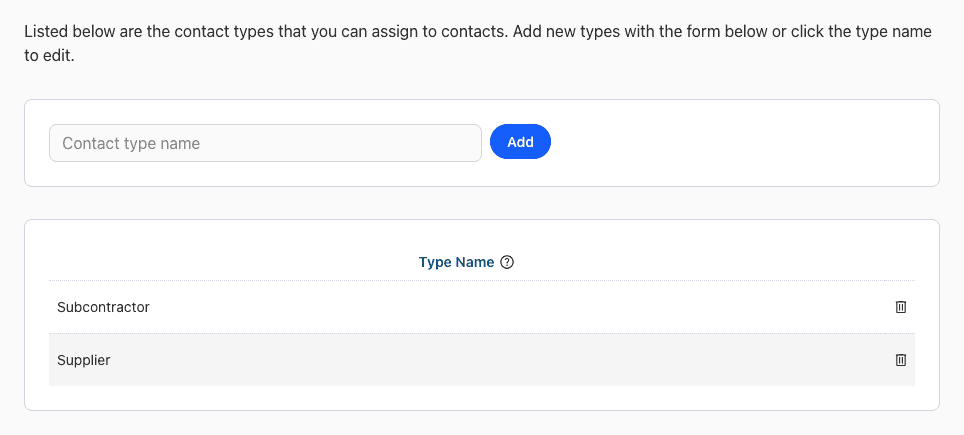
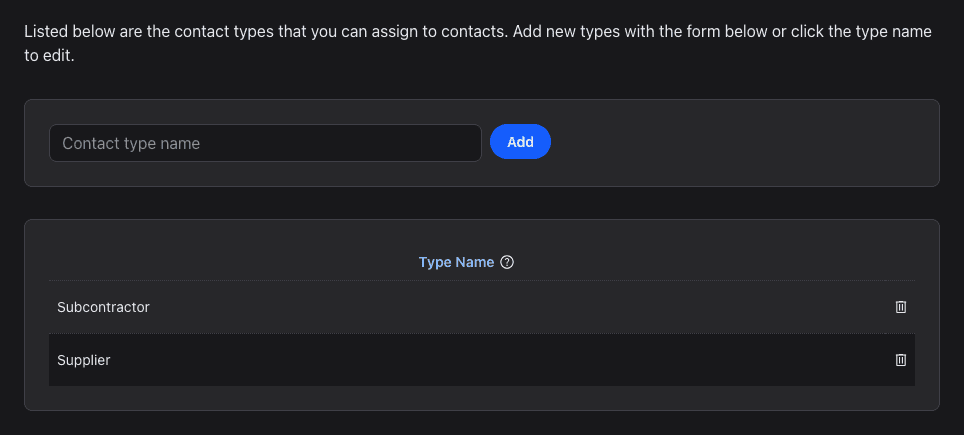
Add a Contact Type
- Click your profile icon at the top right and choose Settings.
- Under Contacts, click Contact Types.
- Enter a name in Contact type name and click Add.
Rename or Delete a Type
- Rename: click the name in the list, change it and press Enter. See How do I edit data?
- Delete: click the trash icon next to the type and confirm.
Use Contact Types
When you add or edit a contact, pick its type in Choose a contact type, under Contact Type. See What are contacts?