
Yes, with the right access. By default, users can only see and change their own calendar. An admin can let a user group see everyone's calendars, or also add, move and delete events for other users, like an office manager who schedules the crew.
Give a Group Access to All Calendars
Admin access required.
- Click your profile icon at the top right and choose Settings.
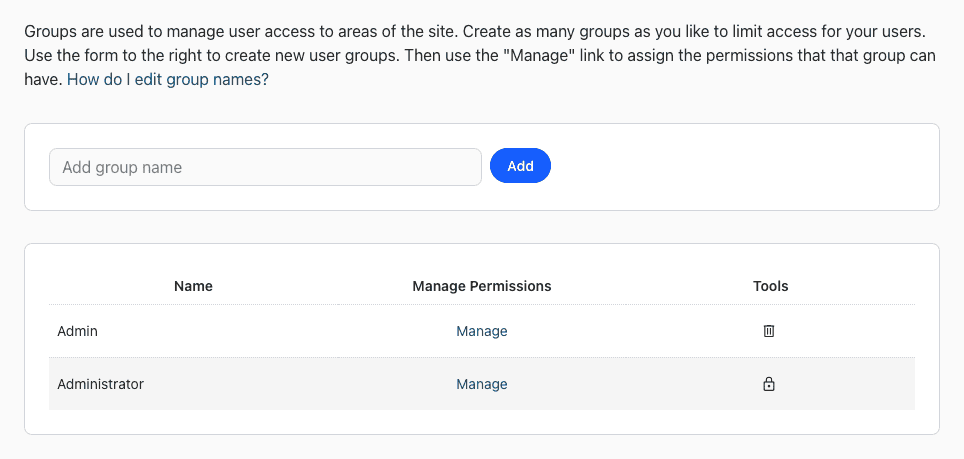
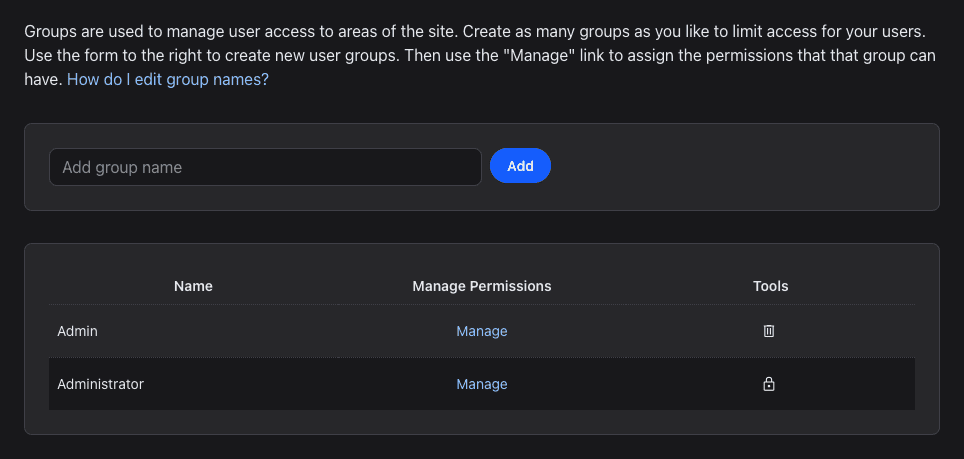
- Under User Management, click Groups.
- Click Manage next to the group.
- Check one of these and click Save:
- Scheduler View All: see the calendars of all users.
- Scheduler Edit All: see and change the calendars of all users, and pick their event colors.
The users of the group see the change the next time they log in. See What are user groups and how do I use them?
Work With Other Calendars
- In the Scheduler, click a name under Users to see one person's calendar, or All Users to see everyone.
- When you add an event, pick who it's for in the User menu.
- Only give this access to people you trust: changes and deletions on another user's calendar can't be undone.