
Yes. A customer can have any number of orders, so a repeat customer keeps one profile with all their jobs, notes and contact details. The customer's page lists every order, newest first.
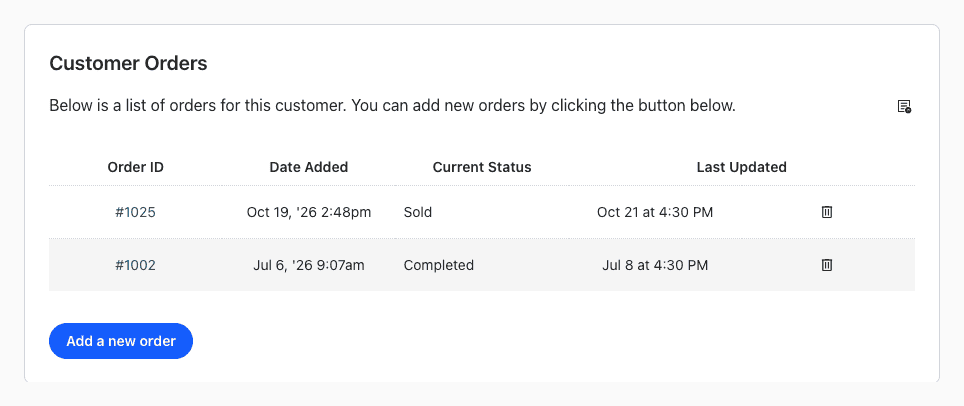
Add Another Order for a Customer
- Open the customer: search for them in the search box at the top, or go to Customers > View Customers and click their name.
- Under Customer Orders, click Add a new order.
- Click OK to confirm.
The new order opens right away, with the customer's details already on it. The View Customers list has the same button in its Add Order column.
See a Customer's Orders
The Customer Orders table shows each order's ID, the date it was added, its current status and when it was last updated. Click an order ID to open it. The spreadsheet icon above the table downloads all of the customer's orders.
See also What are orders?