
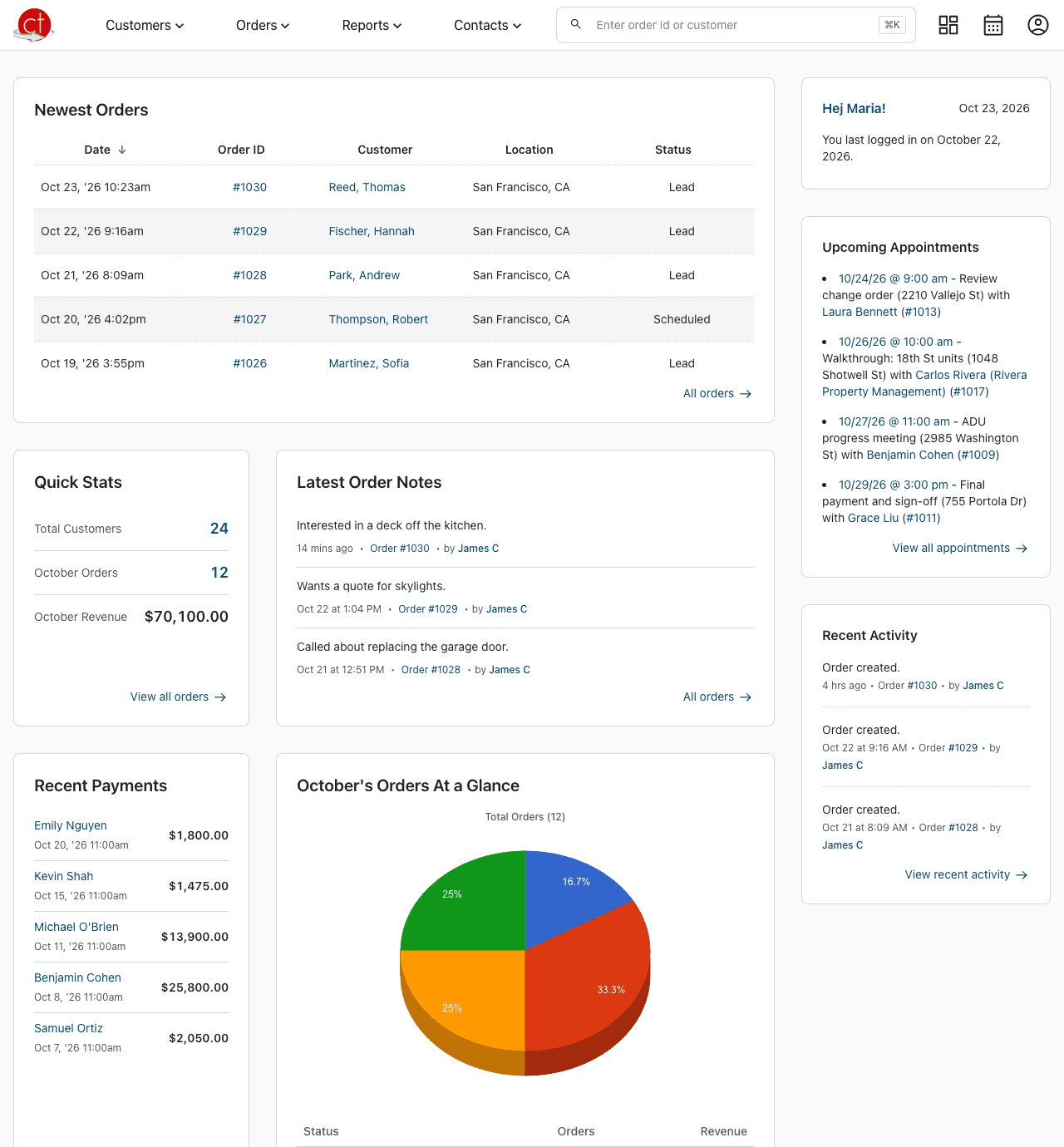
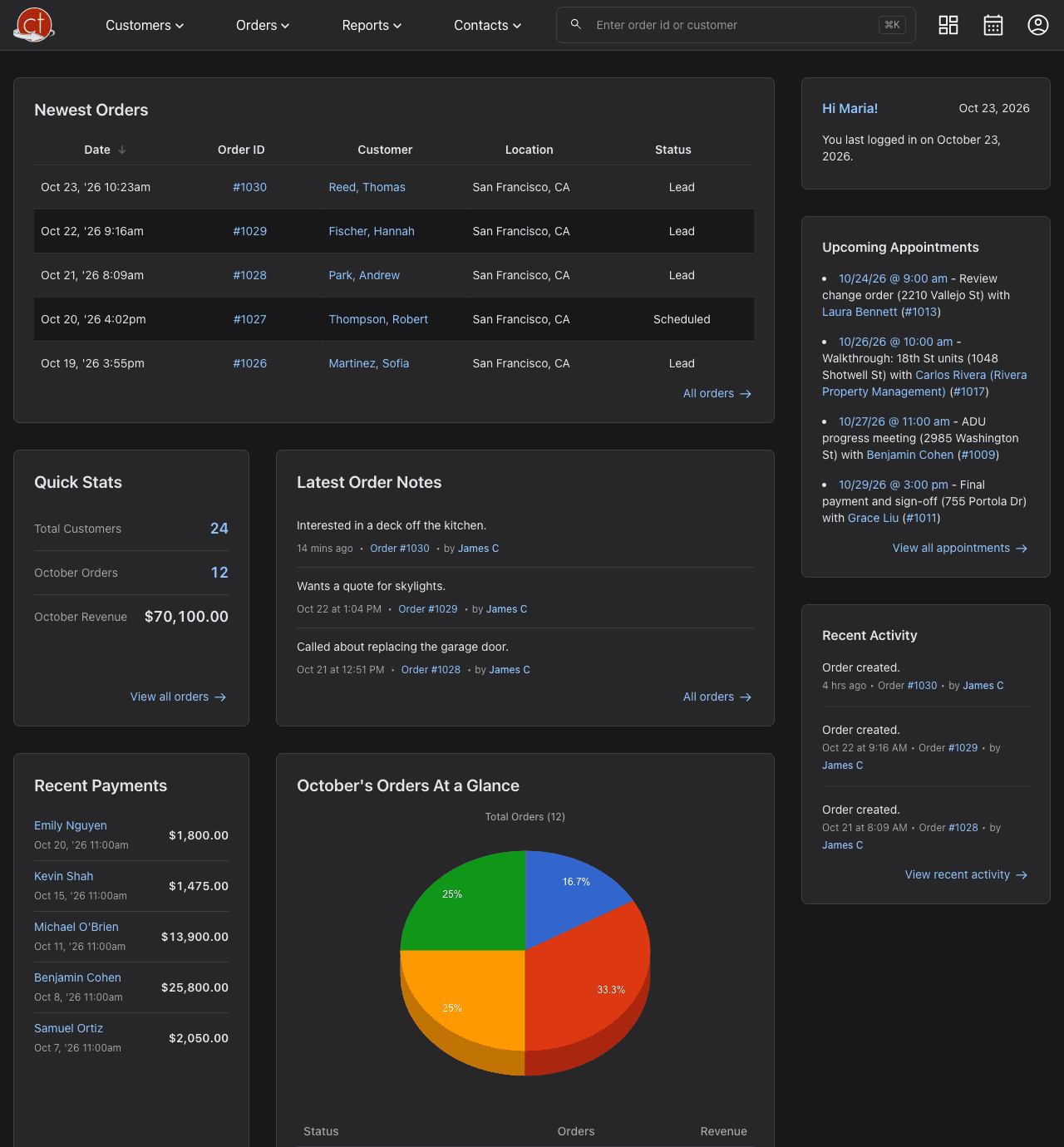
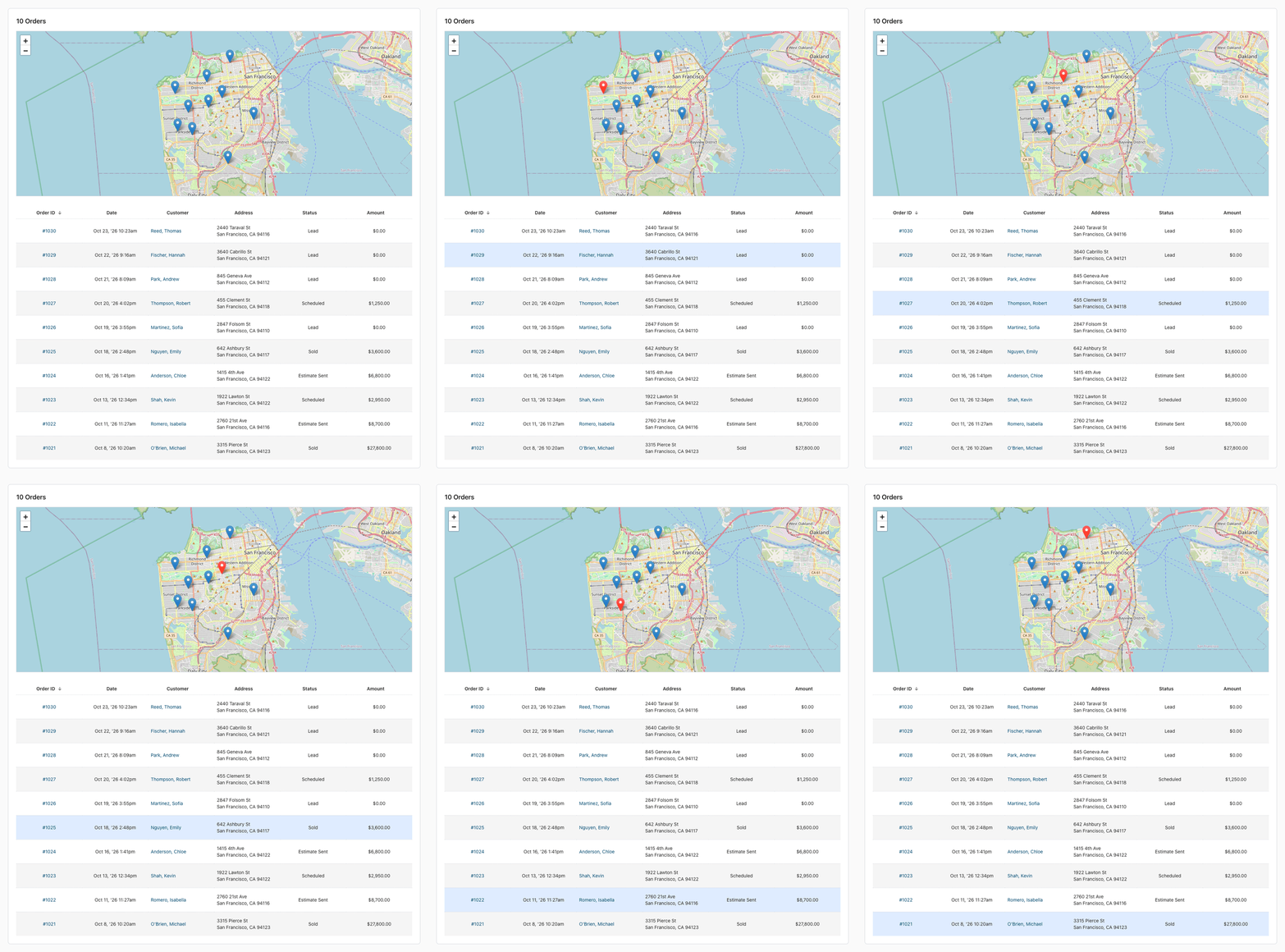
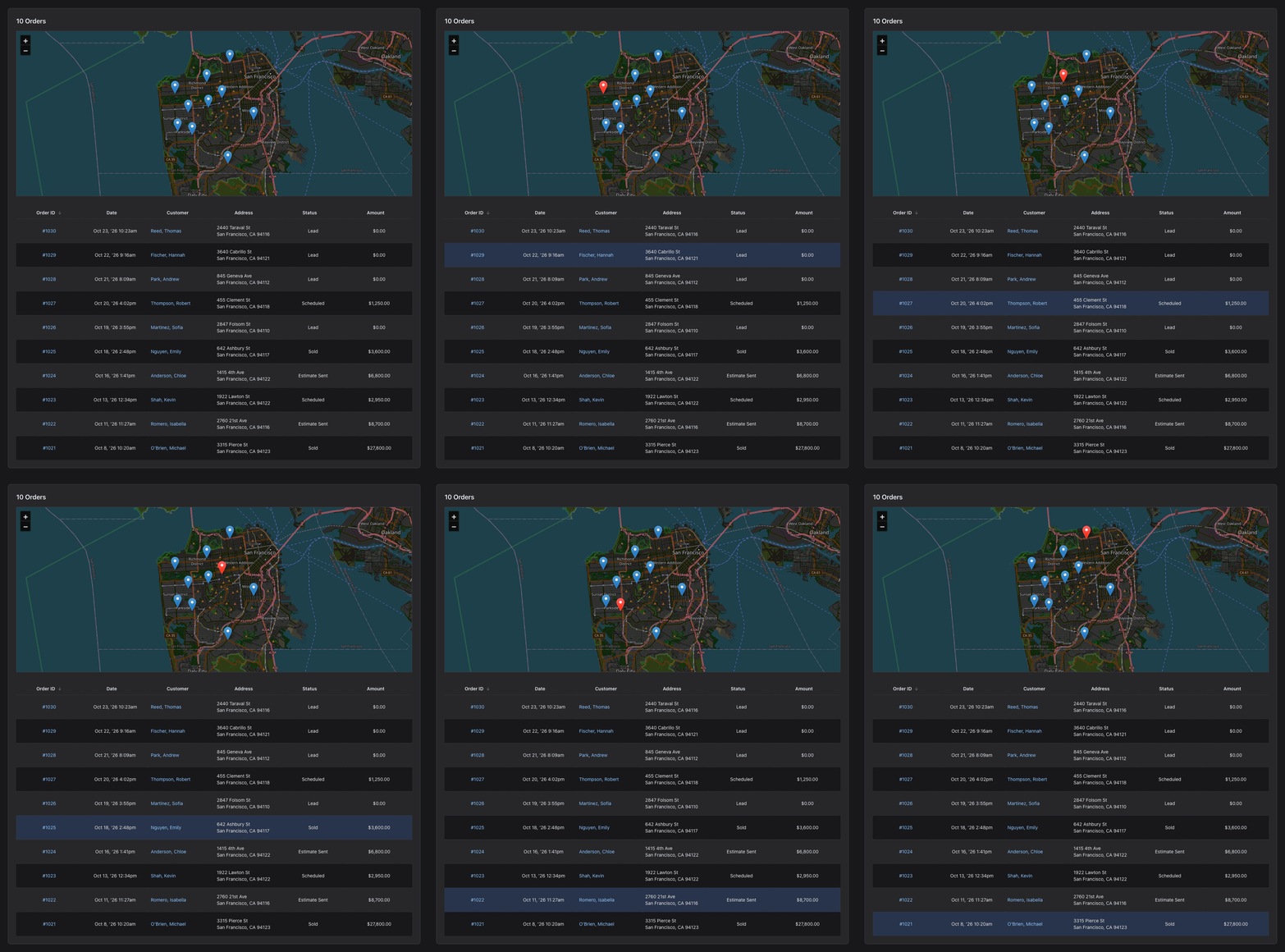
The Control Panel shows how your month is going at a glance, and the Customer Maps report links each map pin to its order.
A New Control Panel
The Control Panel (the first page after you log in) now shows:
- Quick Stats: your customers, this month's orders and revenue.
- Latest Order Notes and Recent Payments, each linked to its order.
- Orders At a Glance: this month's orders by status, with a color for each status.
- Customer Locations: a map of this month's orders.
Customer Maps: Find an Order on the Map
- Go to Reports > Customer Maps and pick the dates.
- Point at an order in the table: its pin turns red.
- Point at a pin to highlight its order, or click it to jump to the order in the table.
The map stays at the top of the screen while you scroll through the orders.
Have a question or feedback about these changes? Send us a note.