
Appointments are easier to read in every user color, connecting an order to an appointment works more smoothly, and search handles more characters.
Readable Appointments in Any Color
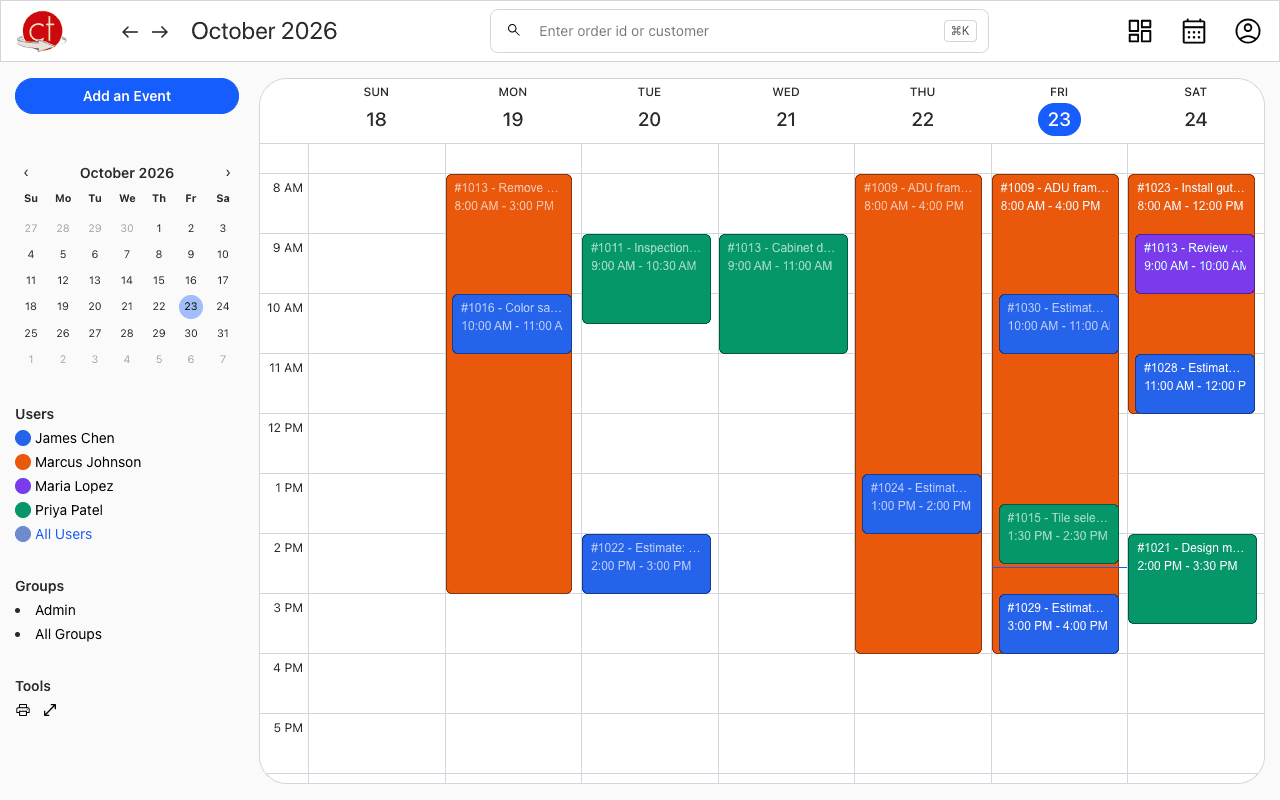
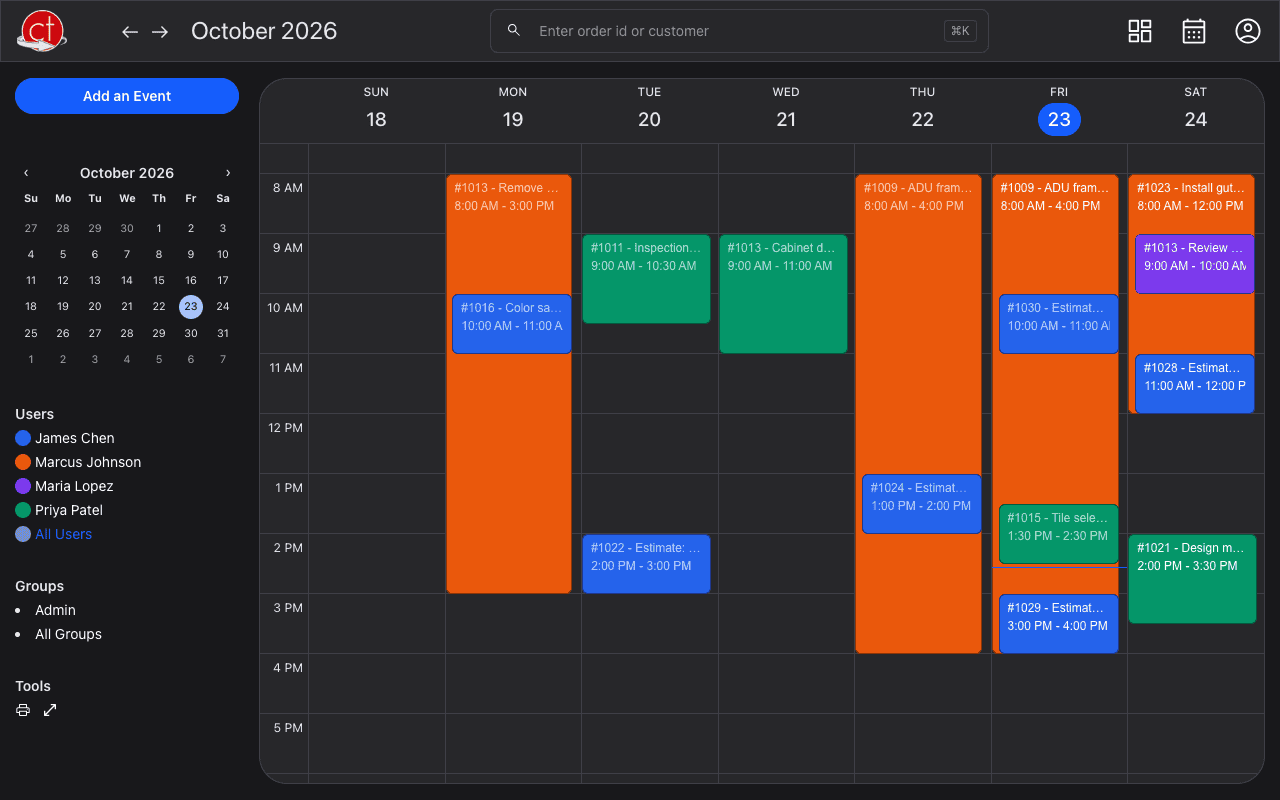
The text on an appointment now switches between black and white to stand out against the user's color, so light colors are as easy to read as dark ones. See How do I change a user's theme?
Fixes
- In Connect Order to this Event, the customer details no longer show "null" for empty fields, clicking anywhere on a result picks it, and only customers with orders are listed.
- Searches with characters like &, # or ( now work in every customer search box.
- A new appointment now uses exactly the color you picked.
- The search box only suggests order numbers when you type one.
Have a question or feedback about these changes? Send us a note.