
Referrals are the choices in the How did you hear about us? menu on the customer form, so you can see where your customers come from. Add your own, like Yelp or a home show, next to the default ones.
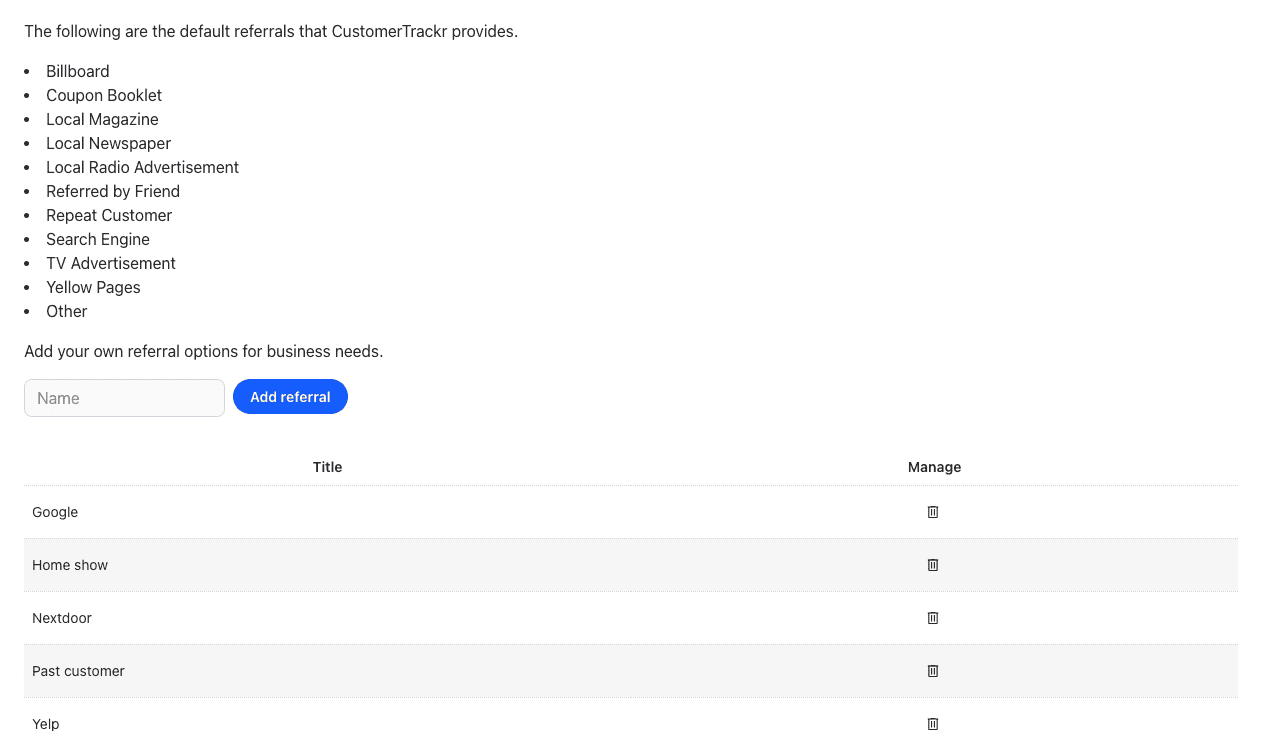
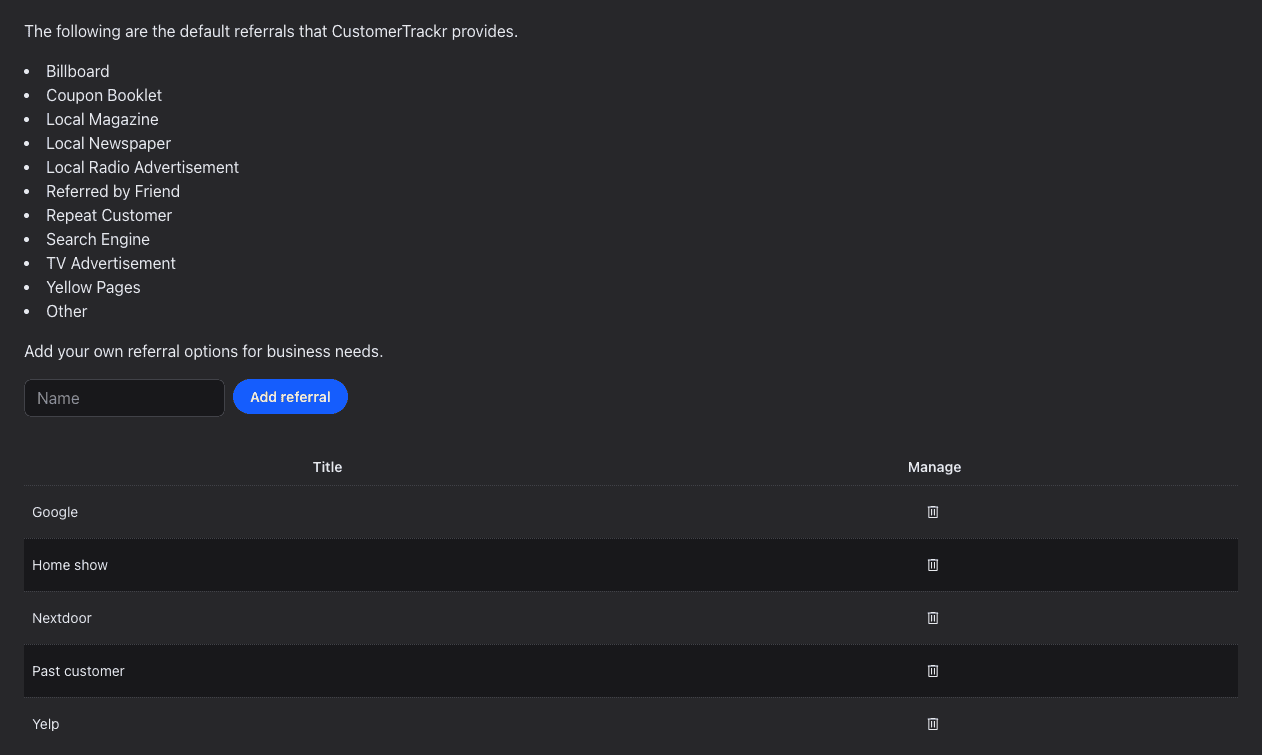
Add a Referral
Admin access required.
- Click your profile icon at the top right and choose Settings.
- Click the Referrals tab.
- Enter the name in Name and click Add referral.
Your referrals are added to the end of the menu, after the default ones listed at the top of the tab. To remove one, click the trash icon next to it. Customers who already picked it keep it.
See Where Customers Come From
Pick the referral when you add or edit a customer, under Preferences. Reports > Customer Export lists it for every customer, in the Referred By column.