
You can download your customers and your orders yourself at any time, as a CSV or Excel file, from the Reports menu. Use it for a backup, for a mailing list, or to work with your data in a spreadsheet.
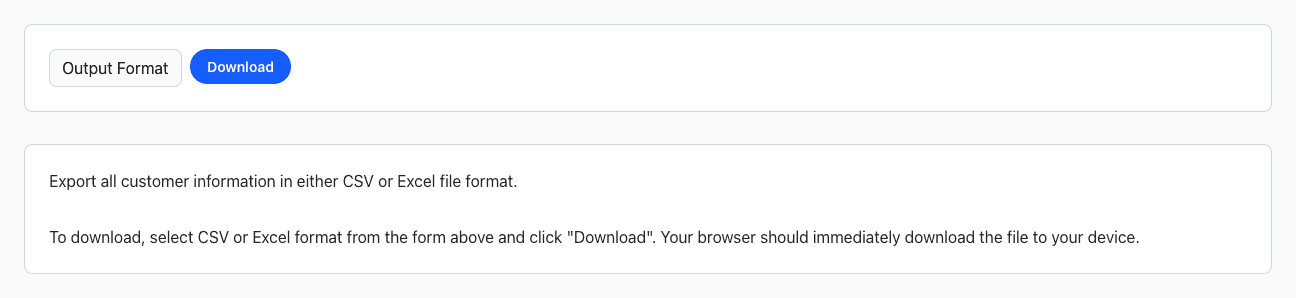
Export Your Customers
- Go to Reports > Customer Export.
- Pick CSV or Excel in Output Format.
- Click Download.
The file has one row per customer: name, company, email, address, phone numbers, preferences and how they heard about you.
Export Your Orders
- Go to Reports > Order Export.
- Choose the dates and, if you like, a status.
- Pick CSV or Excel in Output Format and click Download.
Other Exports
- One customer's orders: on the customer's page, click the download icon next to Orders.
- One order: on the order's Tools tab, click Export to Excel.
Don't see the Reports menu or the export reports? Ask your admin for access. Need something the exports don't include? Contact us.