
You can add, replace or remove the credit card for your plan on the Settings > Billing page (admin access required). Your card details go straight to Stripe and are never stored on our servers.
Add or Replace Your Card
- Go to Settings > Billing.
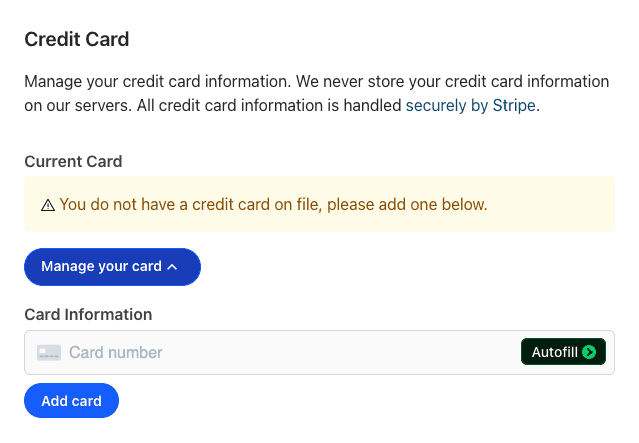
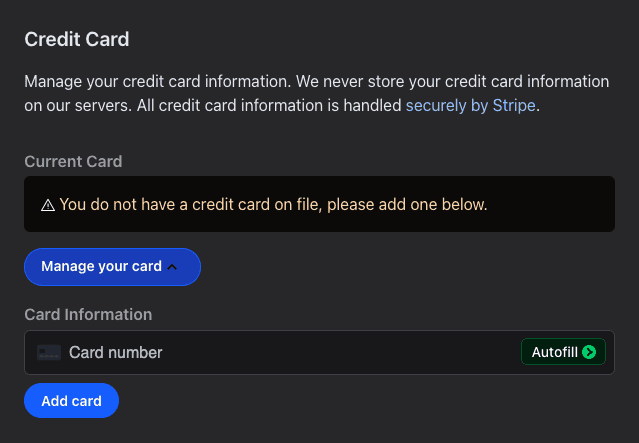
- In the Credit Card section, click Manage your card.
- Enter the card number. The expiration date, security code and ZIP code fields appear as you type.
- Click Add card, or Replace card when there is one on file already.
Your account has one card at a time: a new card replaces the old one. If the card can't be added, the reason shows under the card field.
Remove Your Card
Click the trash icon next to your current card and confirm. Without a card, your next payment can't be charged and you can't change your plan, so add a new card soon.
Pay an Unpaid Invoice
After you update your card, unpaid invoices are charged on the date listed under Invoices. To pay one now, click Pay Now next to it.
See also Can I trust Stripe? and How do I change my plan?