
A reminder date tells you when to follow up on an order, like calling a customer a few days after sending an estimate. The day before and on the day itself, the order shows under Your Order Reminders on your dashboard.


Set a Reminder
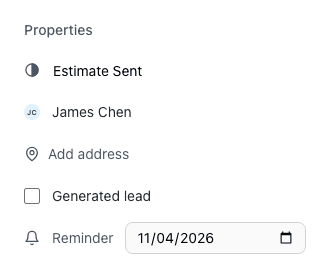
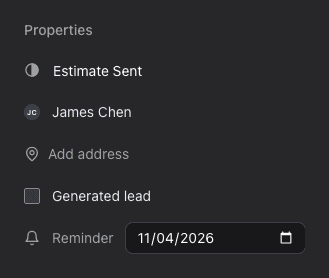
- Open the order. Click Add… at the end of the right side and choose Reminder. The Reminder field shows under Properties.
- Pick a date. It's saved right away.
To change a reminder, pick another date in its Reminder field.
To remove a reminder, point at it and click the trash icon (on a phone, tap the trash icon). Click Undo in the message to keep it.
Who Sees the Reminder
Reminders show for the users associated with the order, so add yourself to the order to get its reminders. See What are user order associations?
Each reminder shows the date, the customer, the order number and the order's status. Click the order number to open it. Your reminders also show in the side column of other pages and on your profile.