
The sold ratio is the share of your orders that were sold, as a percentage. You choose which order statuses count as sold, and the Sales Stats report adds up the orders in those statuses.
Choose the Statuses That Count as Sold
Admin access required.
- Click your profile icon at the top right and choose Settings.
- Under Orders, click Order Status.
- In the In Sold Ratio column, click Yes or No next to a status and pick the other value.
Mark every status a sold job goes through, for example Sold, Scheduled, In Progress and Completed, and leave statuses like Lead or Lost at No.
See the Sold Ratio
- Go to Reports > Sales Stats.
- Choose the dates, and a user or All Users.
- Click Filter.
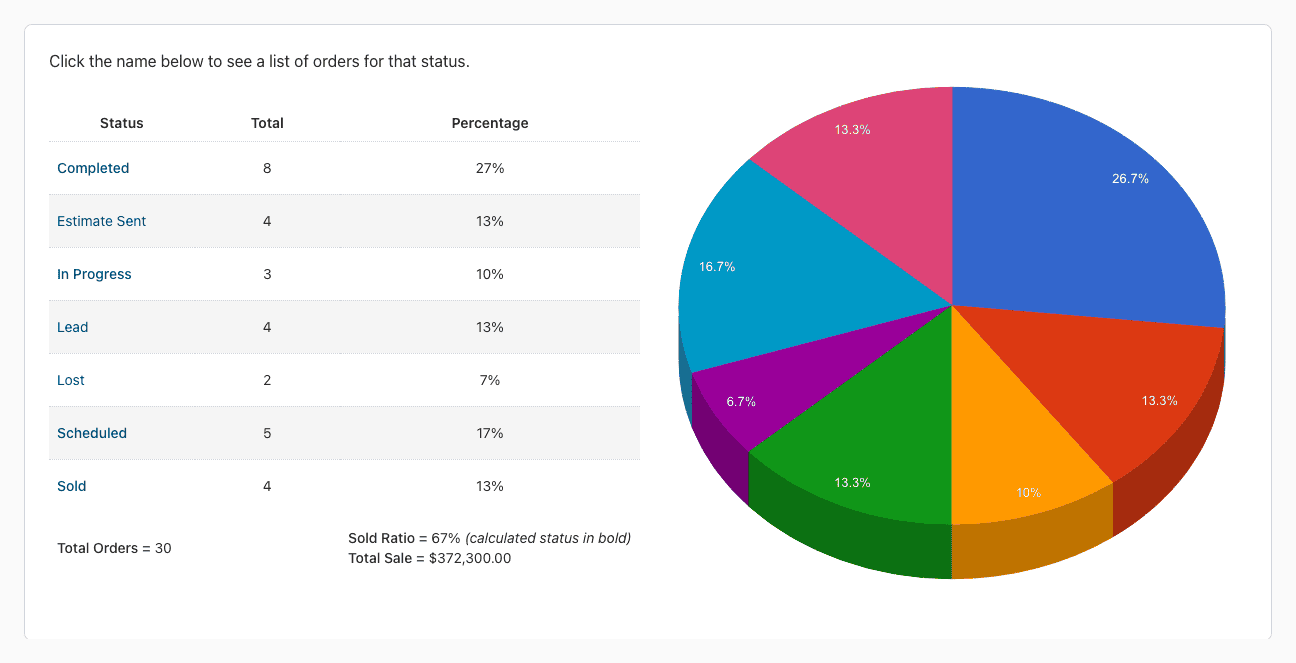
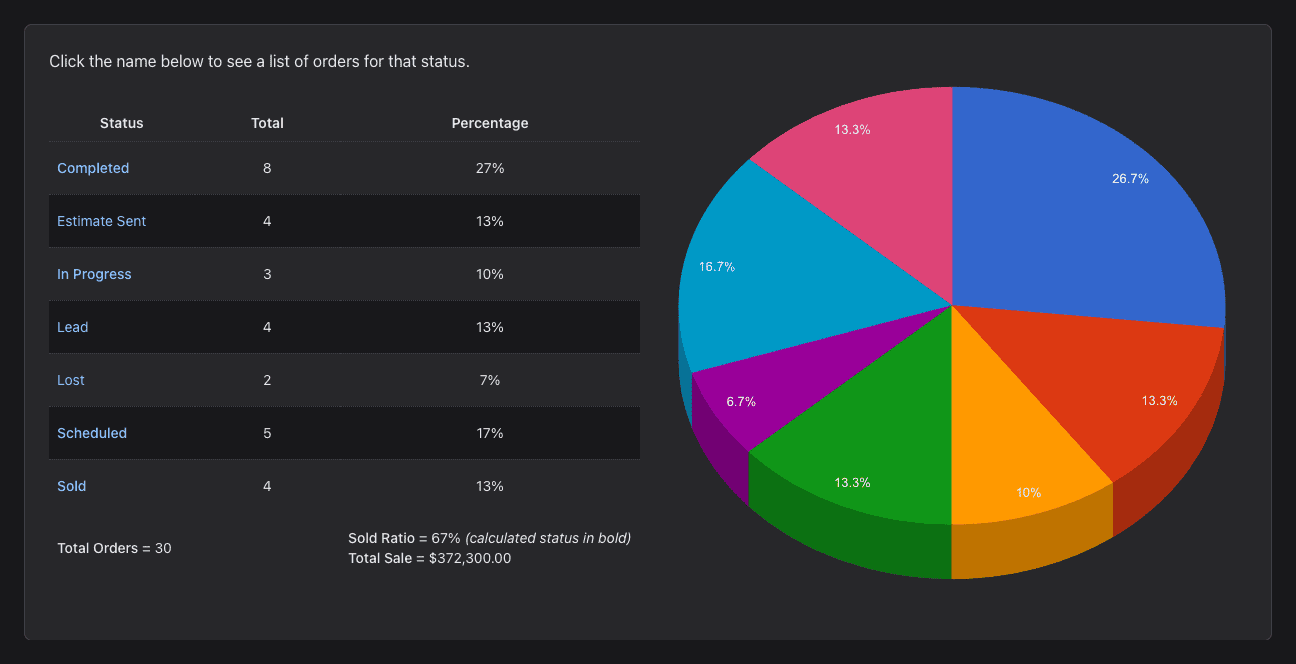
The report lists the orders per status. The statuses that count as sold are in bold, and their percentages add up to the Sold Ratio at the bottom, next to the total sale. Click a status to see its orders.
Salespeople can also see their own sold ratio on their profile.