
Yes. Invoice items are the materials and labor you sell, each with a SKU number, a title and a price per item. Add them to an order to track what a job used and what it cost.
Create Your Invoice Items
Admin access required.
- Click your profile icon at the top right and choose Settings.
- Under Orders, click Invoice Items.
- Enter the SKU #, the Title and the Amount Per Item, then click Add.
To change an item, click its SKU number, title or price in the list. To delete it, click the trash icon.
Add Items to an Order
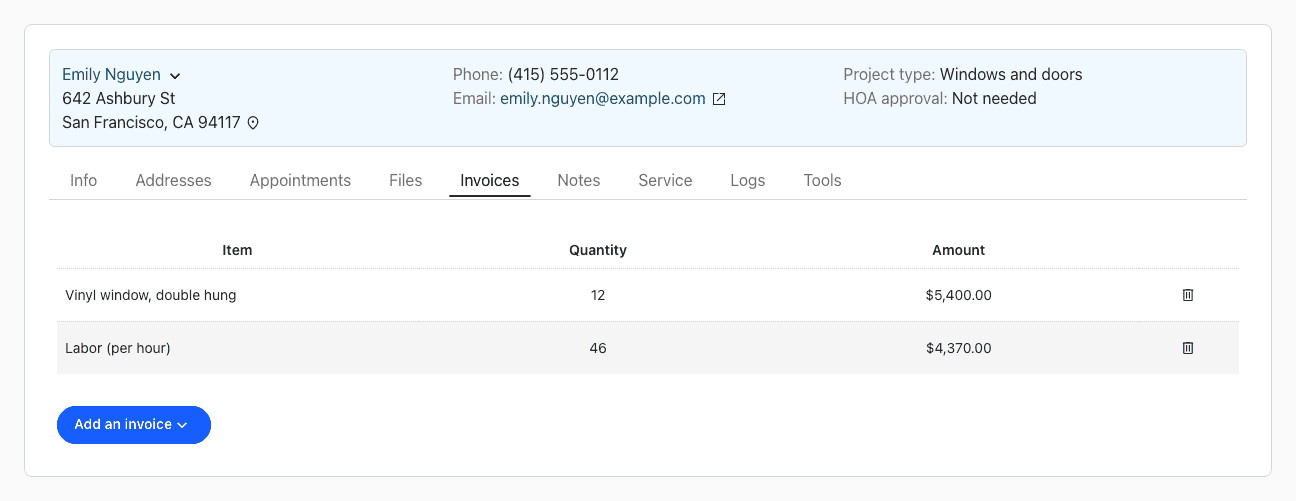
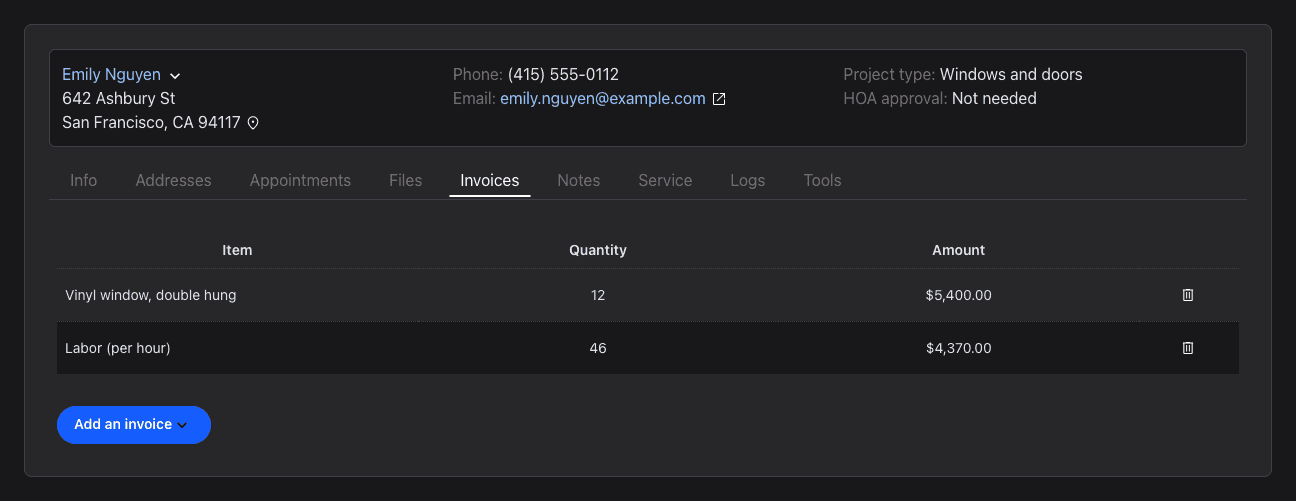
- Open the order and click the Invoices tab.
- Click Add an invoice.
- Choose the Item and enter How many items were used?
- Click Add.
The Amount column shows the quantity times the item's price. To remove an item from the order, click the trash icon in its row.